 Ask LUDIA
Aiming for ALL Collection
Companion Resources
A crosswalk, six starting point guides and the Riddle Hunt, to use alongside the collection.
The UDL Access & Aiming for ALL Crosswalk
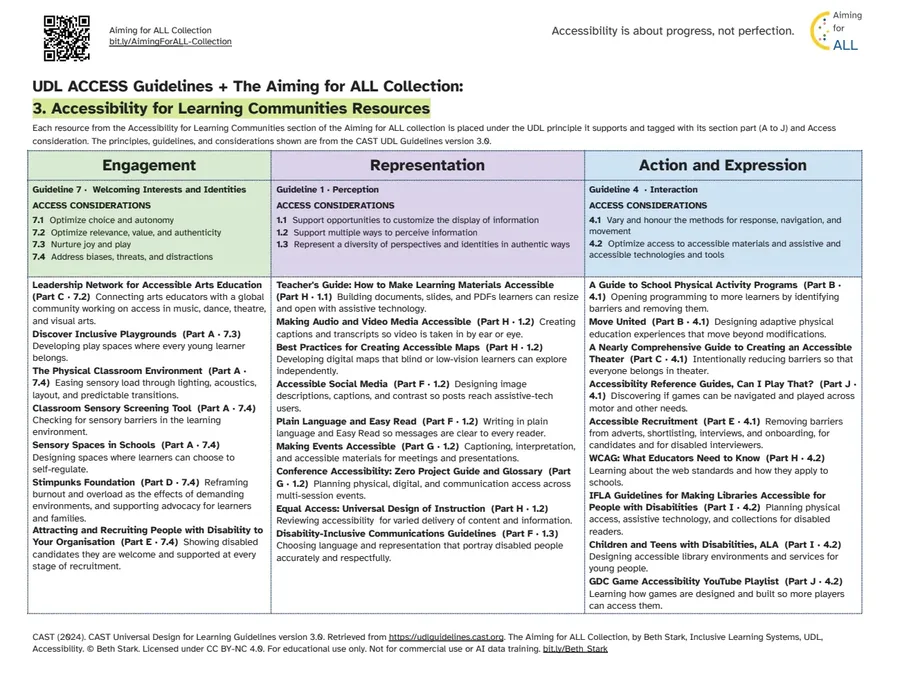
Barriers to access show up in playgrounds, documents, maps, events, theatres, libraries, and games, and every member of a learning community can help reduce them. This crosswalk places each no-cost resource under the UDL principle it supports. Each resource is tagged with its topic in pathway 3 and its Access consideration. The Access row of the CAST UDL Guidelines version 3.0 has three guidelines: Design Options for Welcoming Interests & Identities, Design Options for Perception, and Design Options for Interaction. Use it to see what your learning community already has in place, and to name the access work that matters most next.
Source: CAST (2024). CAST Universal Design for Learning Guidelines version 3.0. Retrieved from https://udlguidelines.cast.org. The UDL Guidelines are © CAST.
Open the crosswalk A4 PDF of the crosswalk (1 page, 133 KB) US Letter PDF of the crosswalk (1 page, 134 KB)
How to Use the Crosswalk
- Open or download the UDL Access & Aiming for ALL Crosswalk.
- Open the collection on this page or in the Wiki.
- Go to pathway 3, Accessibility for Learning Communities. The contents there run A to J, from accessible physical spaces and activity through to gaming and interactive media.
- Keep the crosswalk open alongside it. Every resource is listed under the UDL principle it supports, with its part letter and its Access consideration.
- Use it when you spot a barrier to access. The resources show practical ways to reduce that barrier. Many cover barriers outside the classroom.
Accessibility Starting Point Guides
Six starting point guides for different parts of a learning community. Each one names a few practical places to begin and links to no-cost resources.
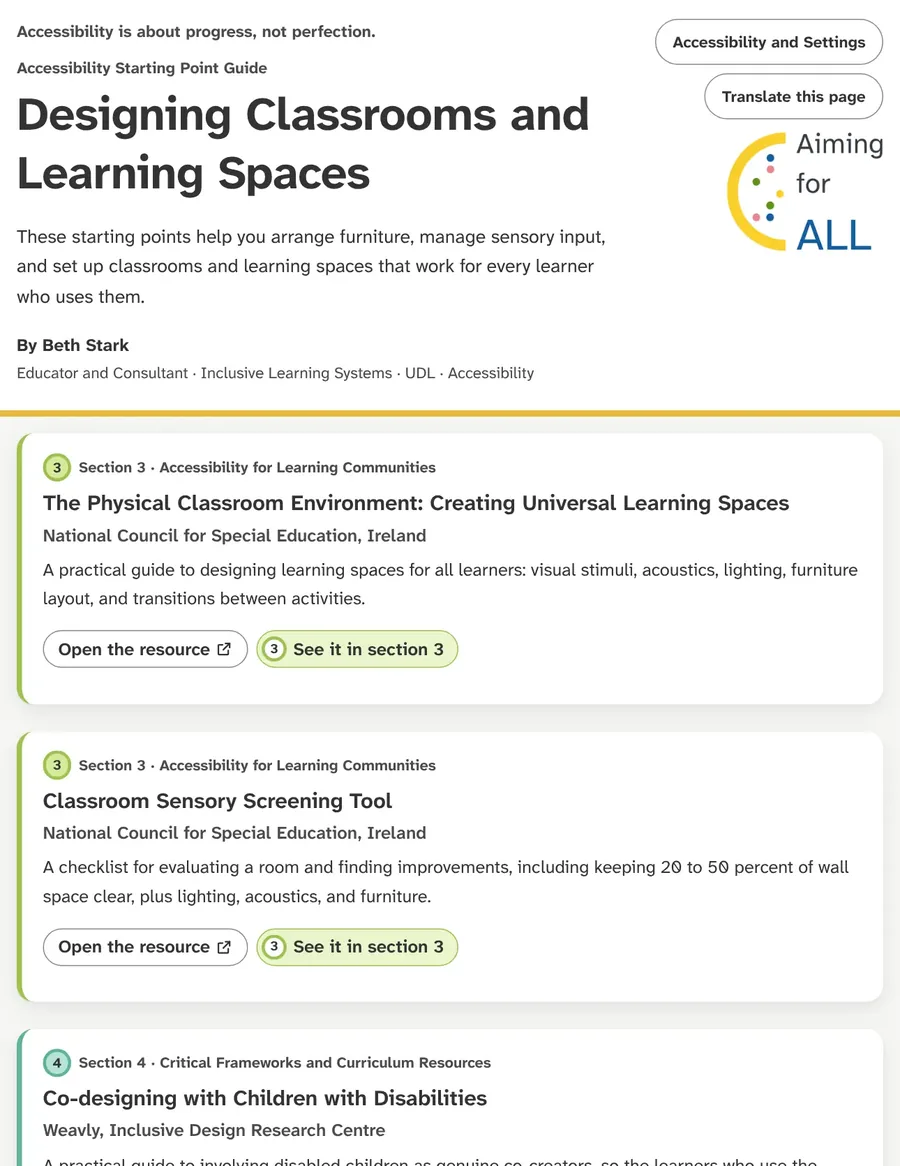 Designing Classrooms and Learning SpacesOpen the guide
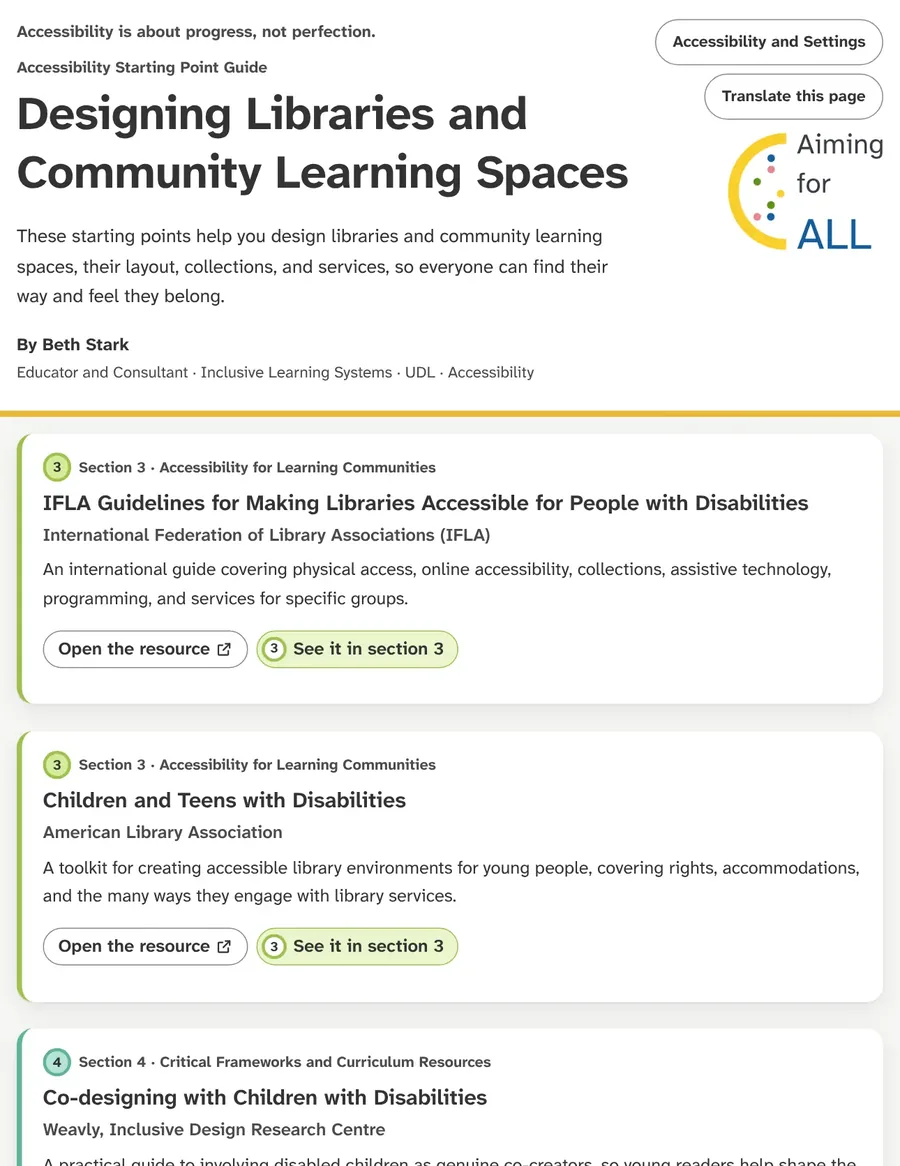 Designing Libraries and Community Learning SpacesOpen the guide
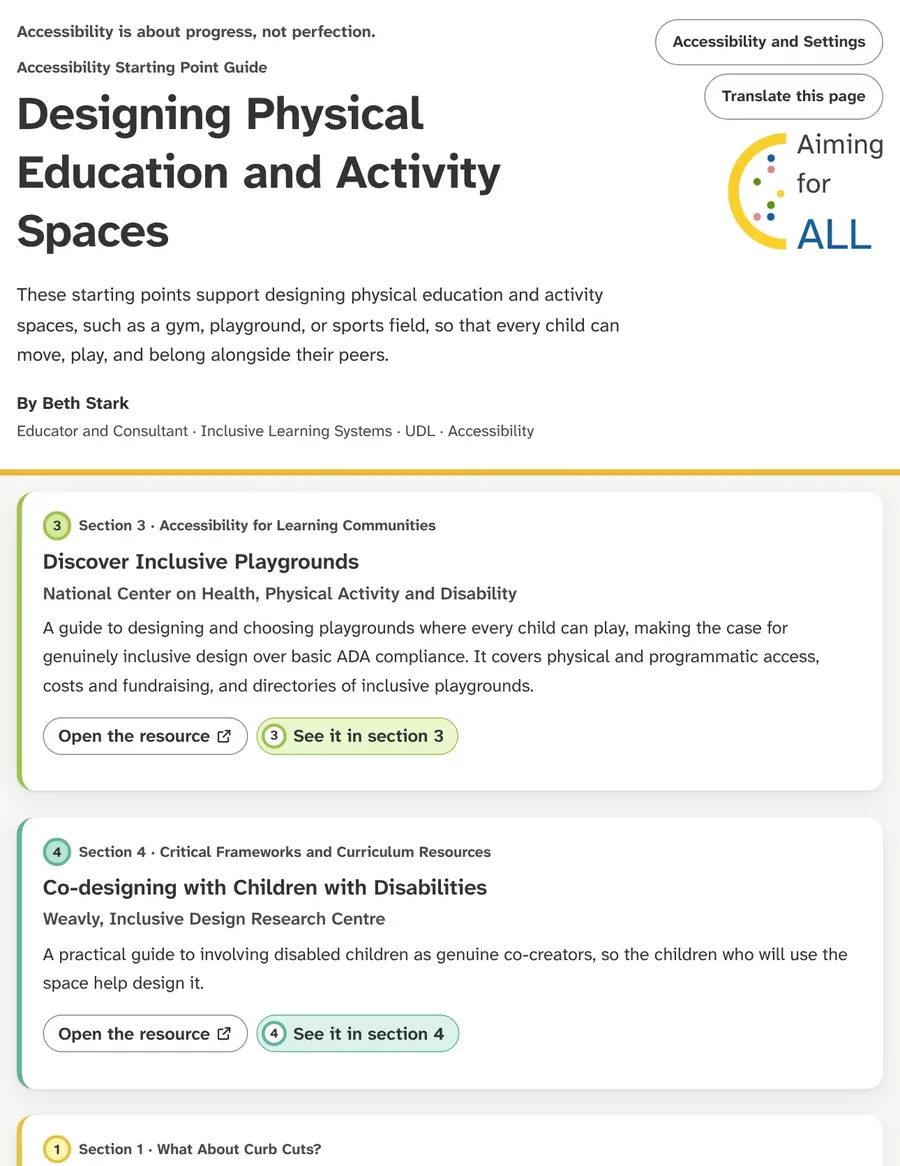 Designing Physical Education and Activity SpacesOpen the guide
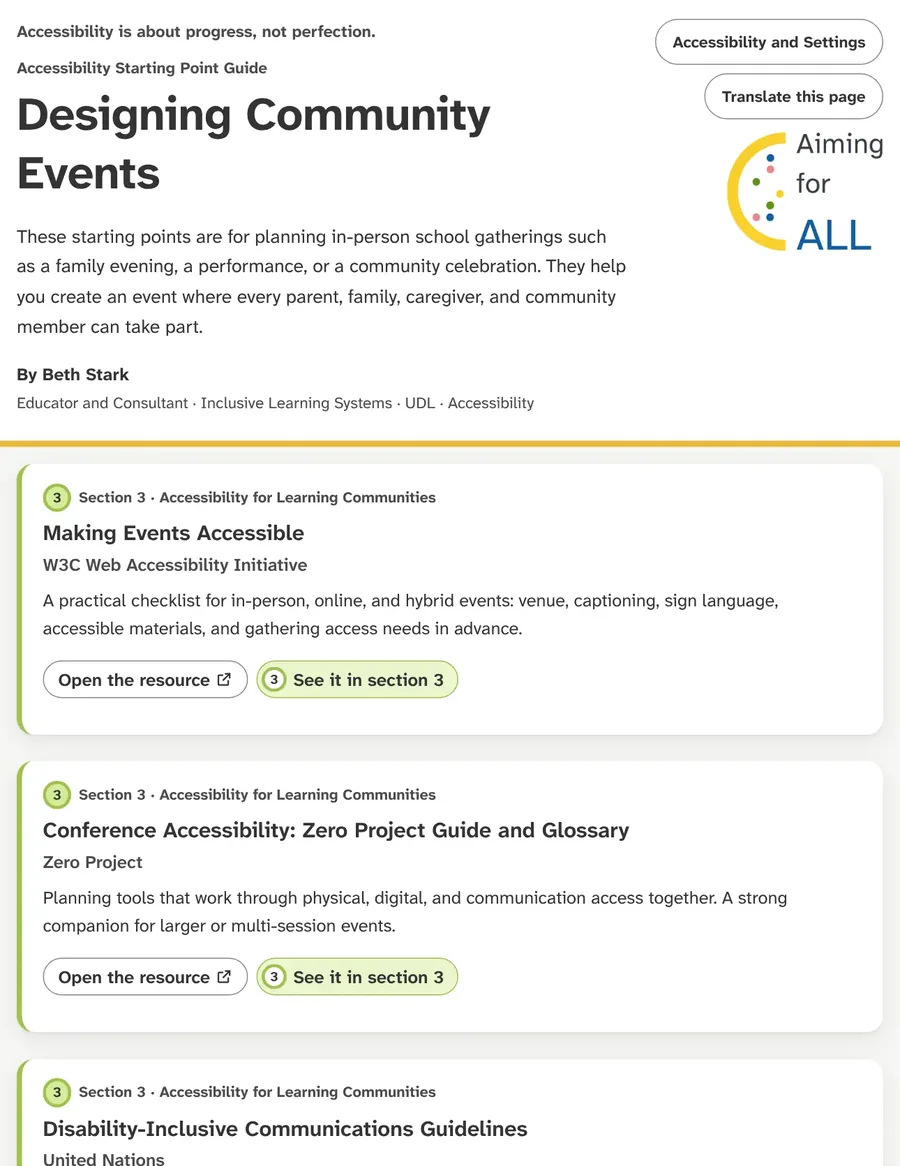 Designing Community EventsOpen the guide
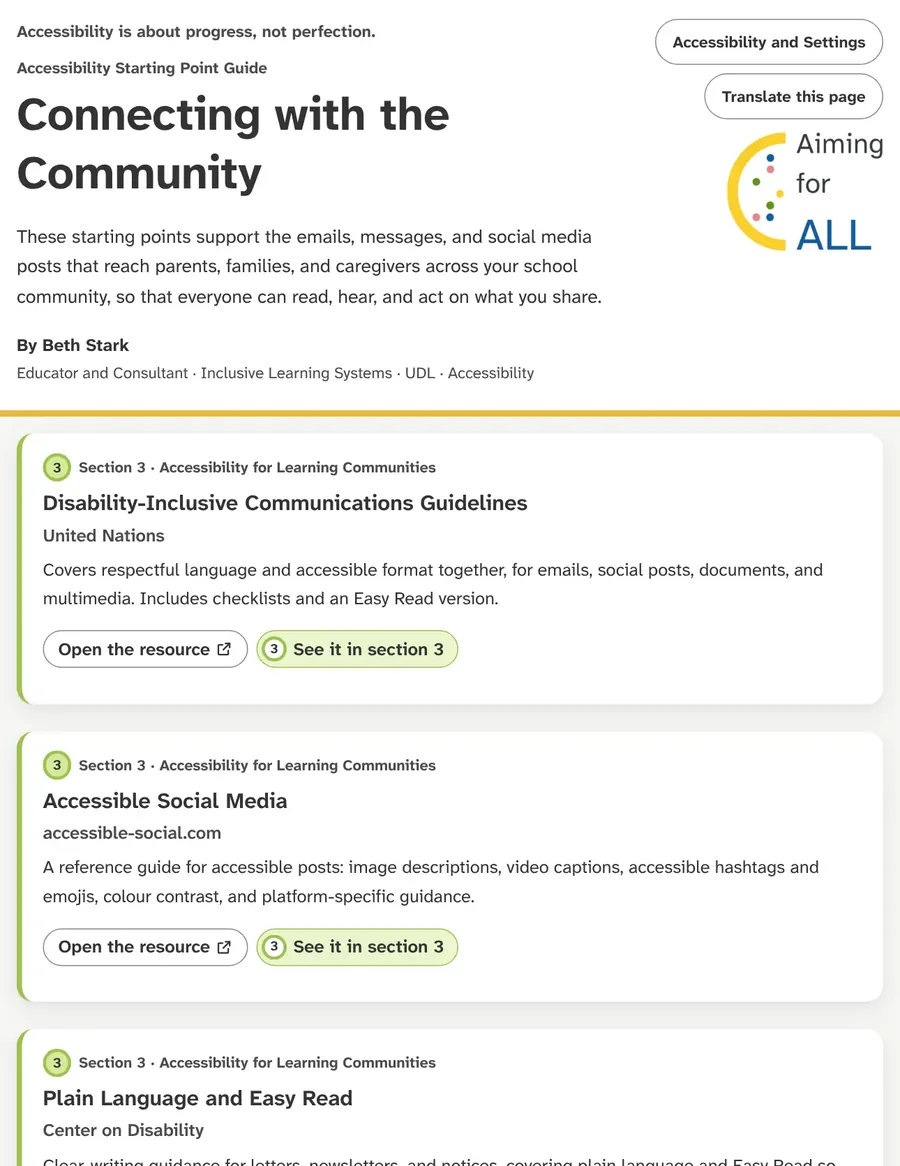 Connecting with the CommunityOpen the guide
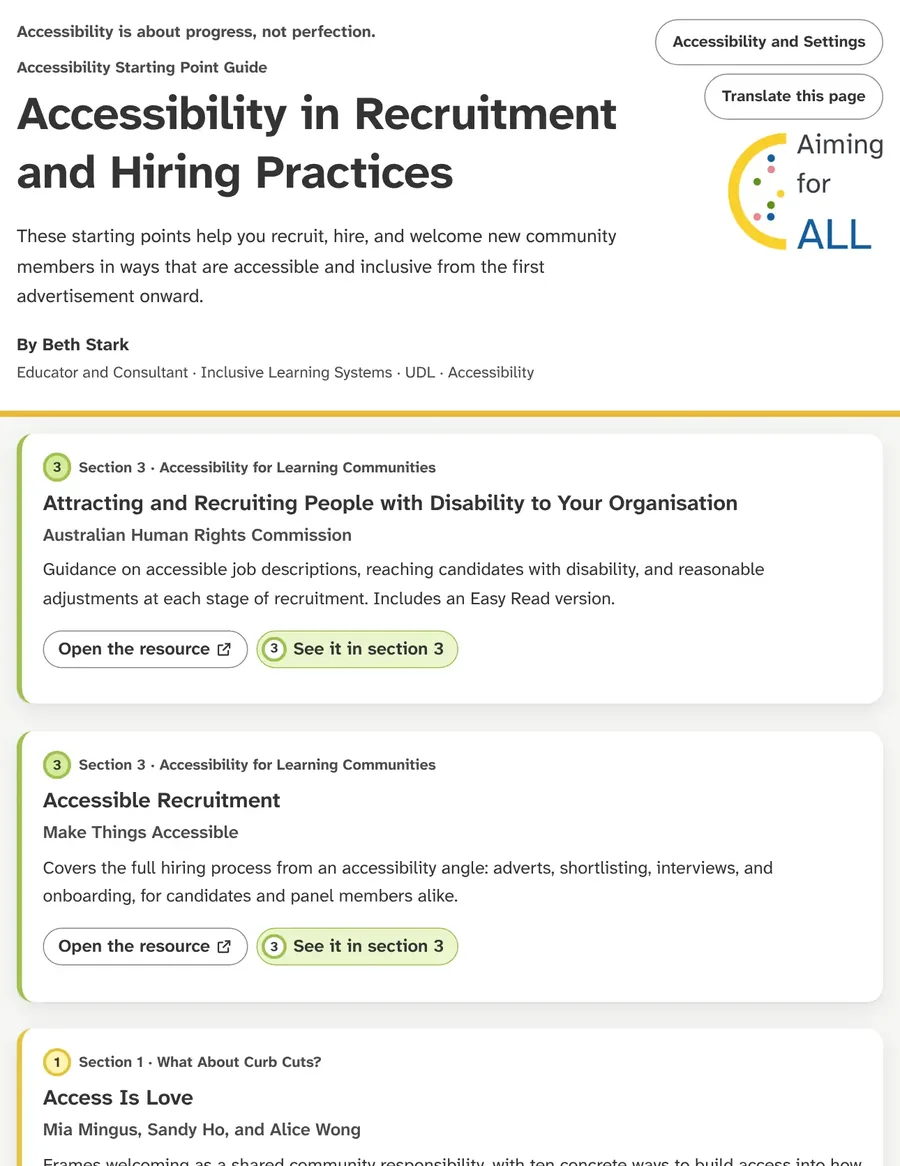 Accessibility in Recruitment and Hiring PracticesOpen the guide
No-Cost Digital Resource Riddle Hunt
Rhyming riddles that lead to the tools in pathway 6. Each answer can be revealed on the page, and the printable version has an answer key.
Play the Riddle Hunt Download the printable version of the Riddle Hunt (PDF, 6 pages, 181 KB)