
Let’s design to the edges for every learner.

Beth Stark, home

Universal Design for Learning

Ready-Made Choice Boards

Four boards to open now, or to use as a starting point for your own

Four ready-made boards

Each board below is ready to open. Choose one to read it, or make your own board with the UDL Choice Board Designer.

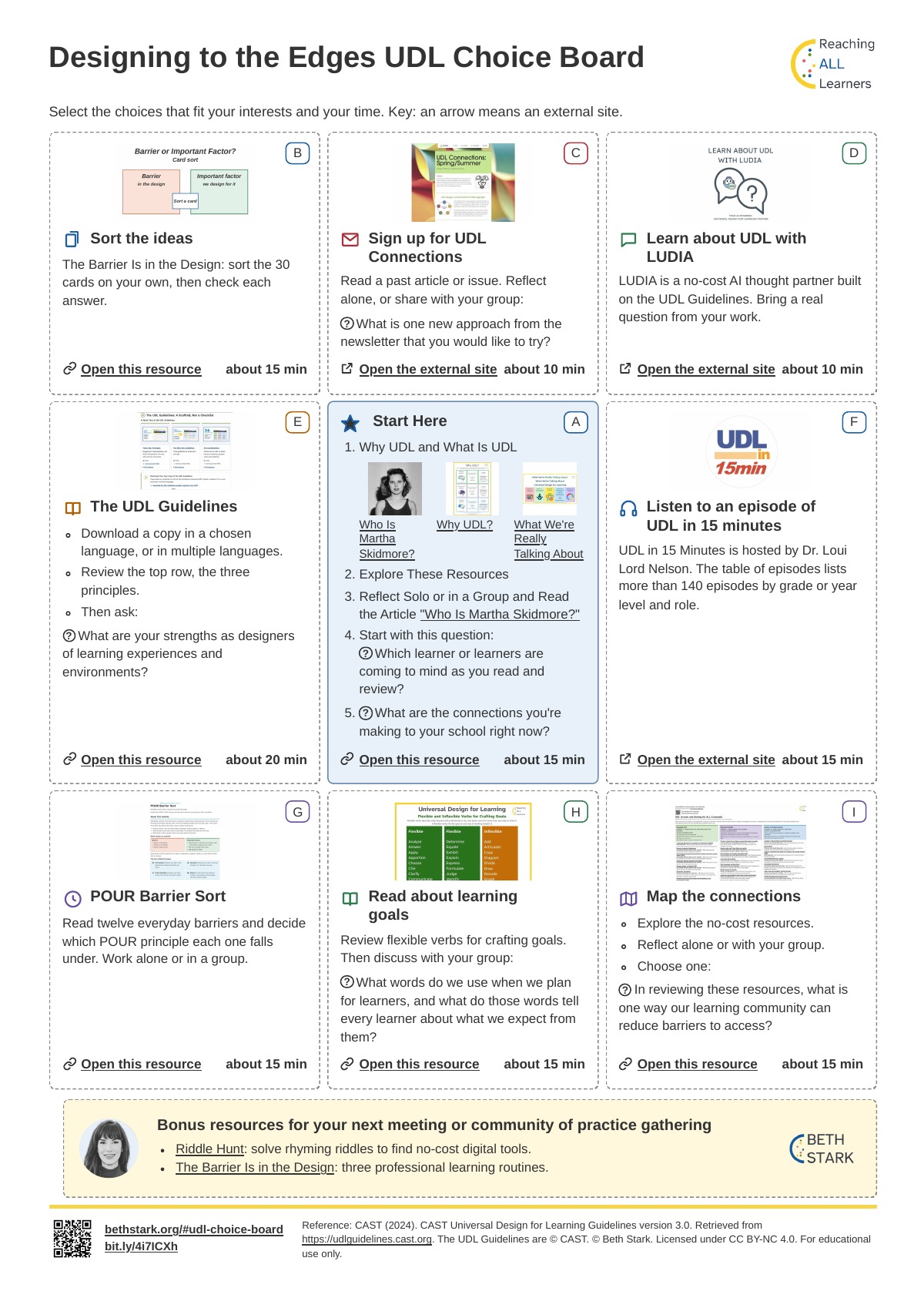
  • Printed board with nine squares, A to I. Square A is Start Here, and each other square names one UDL activity, such as Sort the ideas or Read about learning goals.

    Designing to the Edges UDL Choice Board

    Nine squares, with a Start Here square and eight UDL activities. On the home page.

    Open the board

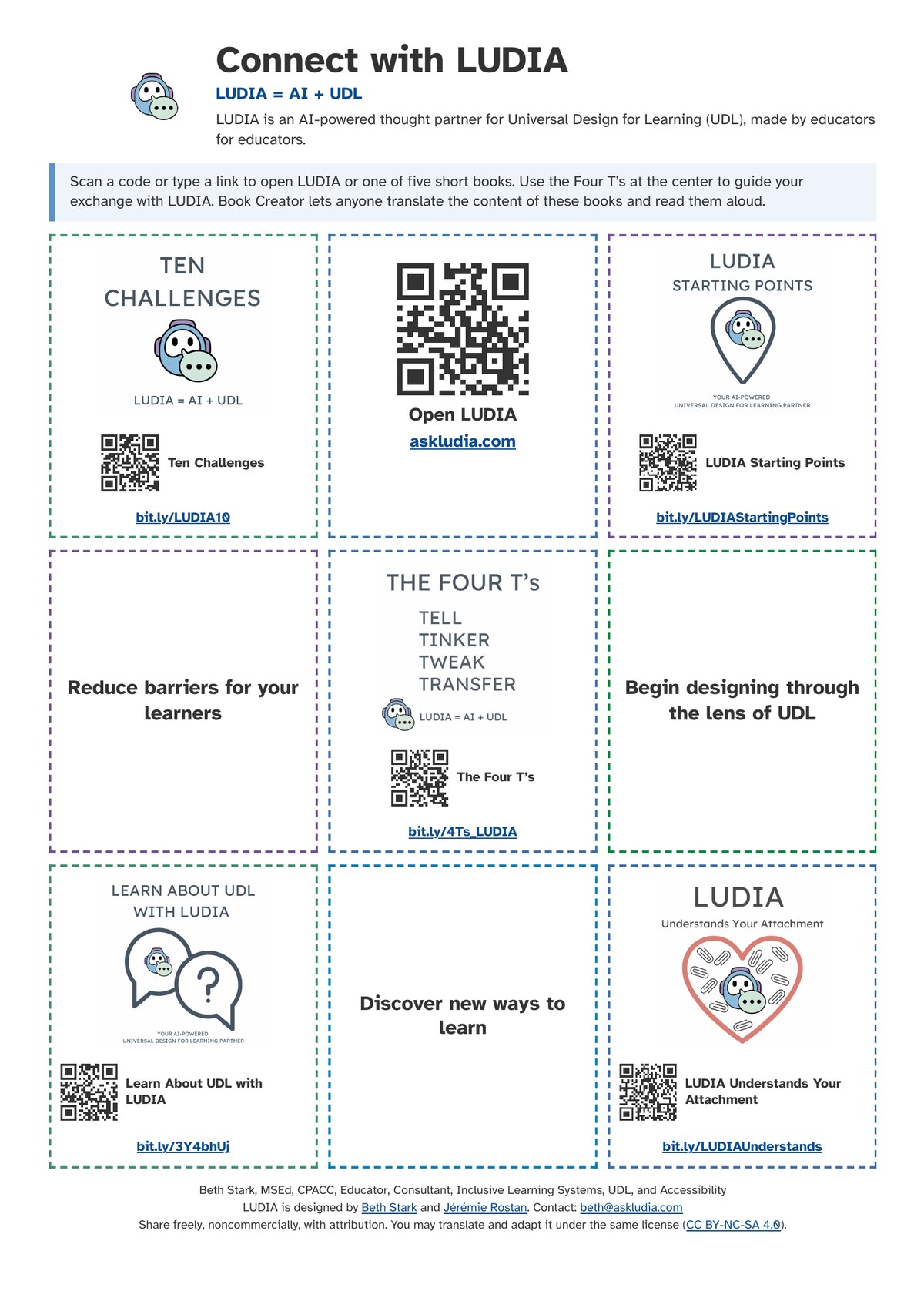
  • Printed board titled Connect with LUDIA. It has QR codes and short links to LUDIA and five short books, such as Ten Challenges and The Four T's.

    LUDIA Choice Board

    Books and ideas for learning about UDL with LUDIA. Scan a code or type a link to open LUDIA or one of five short books. On the LUDIA page.

    Open the board

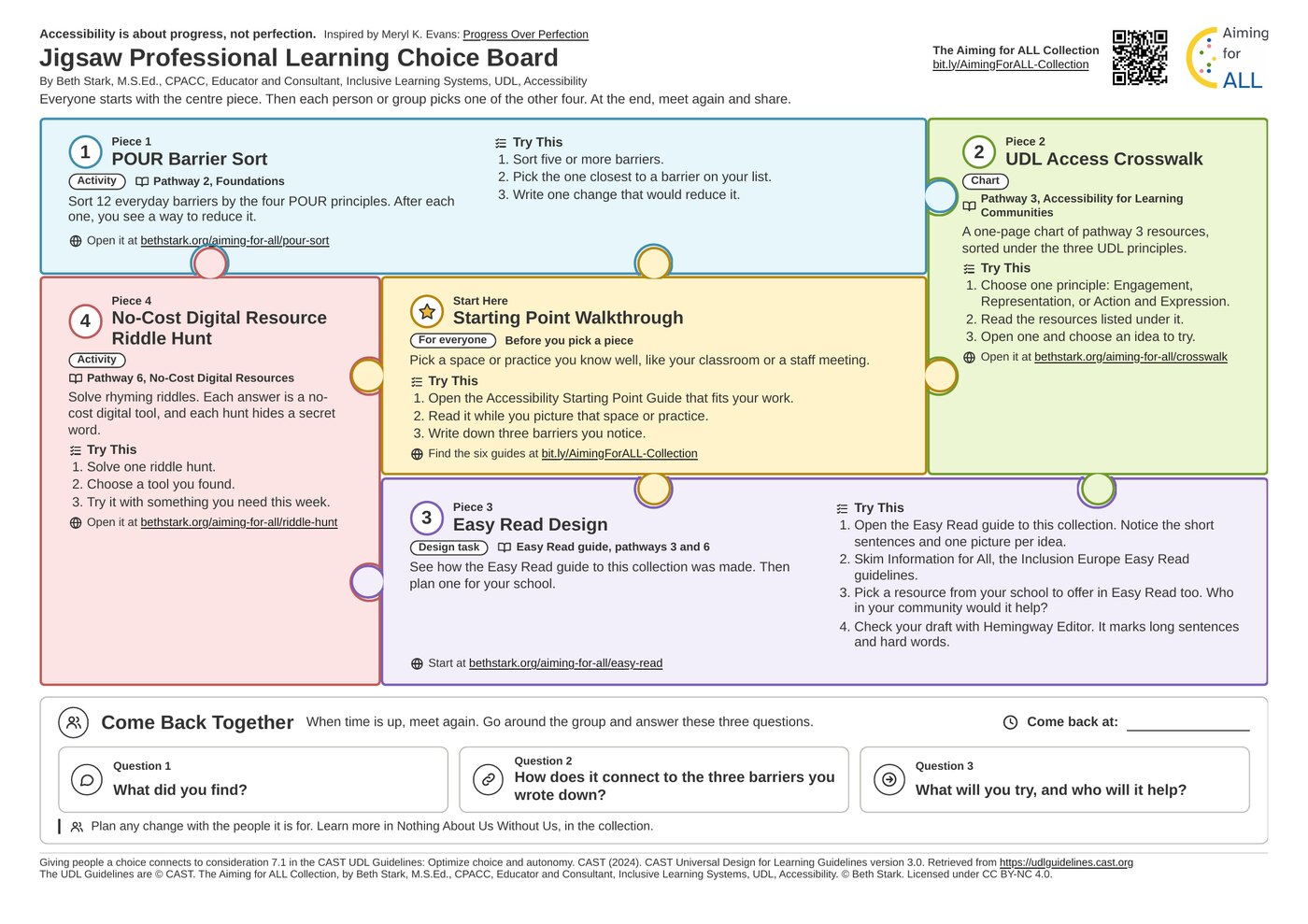
  • Printed board titled Jigsaw Professional Learning Choice Board. A centre piece, Starting Point Walkthrough, sits beside four numbered pieces, each with an activity or resource.

    Jigsaw Professional Learning Choice Board

    Everyone starts with one shared piece, then picks one of four more. In the Aiming for ALL Collection.

    Open the board

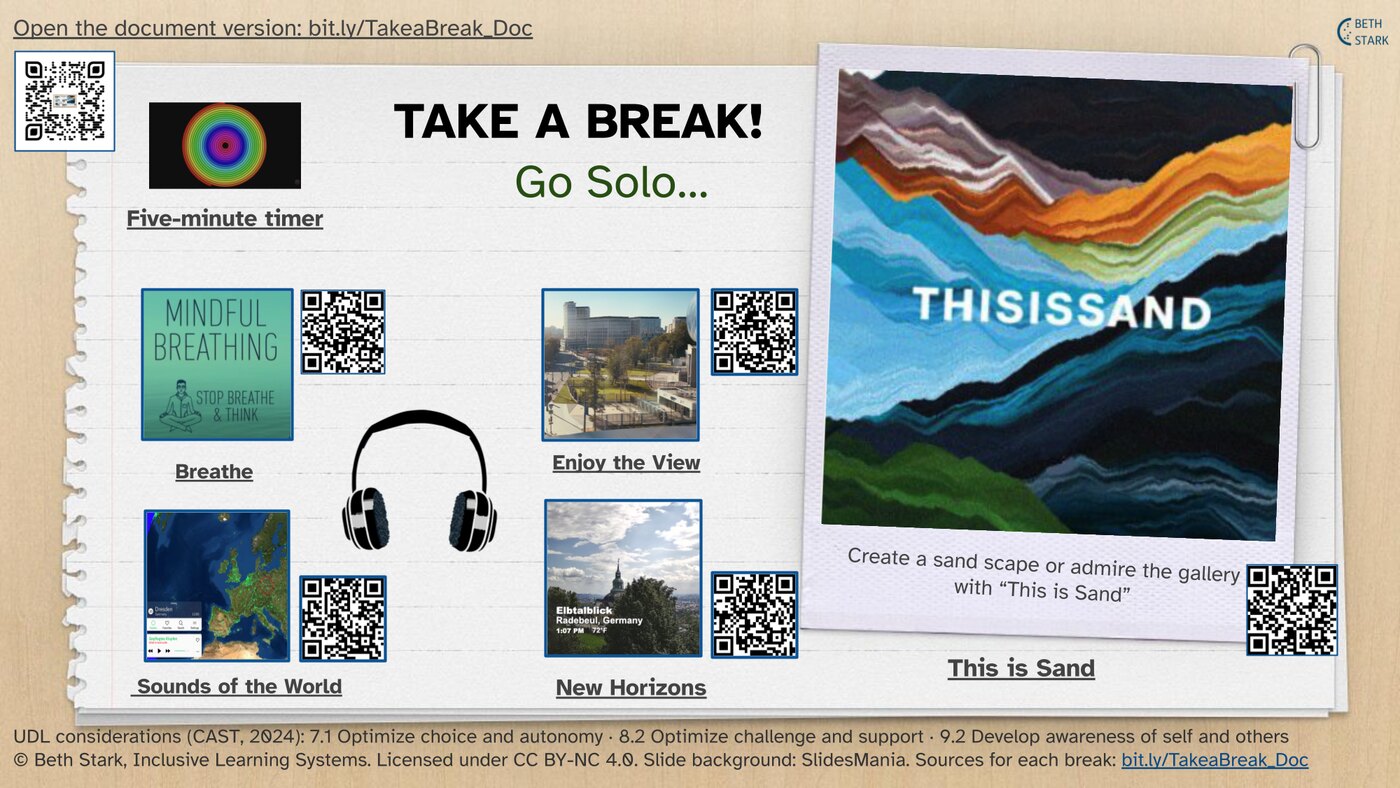
  • Printed board titled Take a Break! Go Solo. It shows six breaks, each with a QR code: a five-minute timer, Breathe, Enjoy the View, Sounds of the World, New Horizons and This is Sand.

    Take a Break! UDL Choiceboard

    Six short breaks, such as mindful breathing and a five-minute timer. Find it on UDL Resources.

    Open the board

Accessibility and Settings

Listen to this page
Font
Text size
Line spacing
Letter and word spacing
Colours
Motion